

You might also like
-
Wilcom EmbroideryStudio e4.2 for Windows – Professional Embroidery Digitizing & Design Software
Regular price €19,99 EURRegular price -
SOLIDWORKS Premium 2025 | 3D CAD Design Software | License Key for Windows
Regular price €19,99 EURRegular price -
SketchUp Pro 2026 for Windows – Professional 3D Modeling & Design Software
Regular price €19,99 EURRegular price -
Nitro PDF Pro 2026 for Windows – Global Lifetime License Key – Professional PDF Editor Software
Regular price €19,99 EURRegular price -
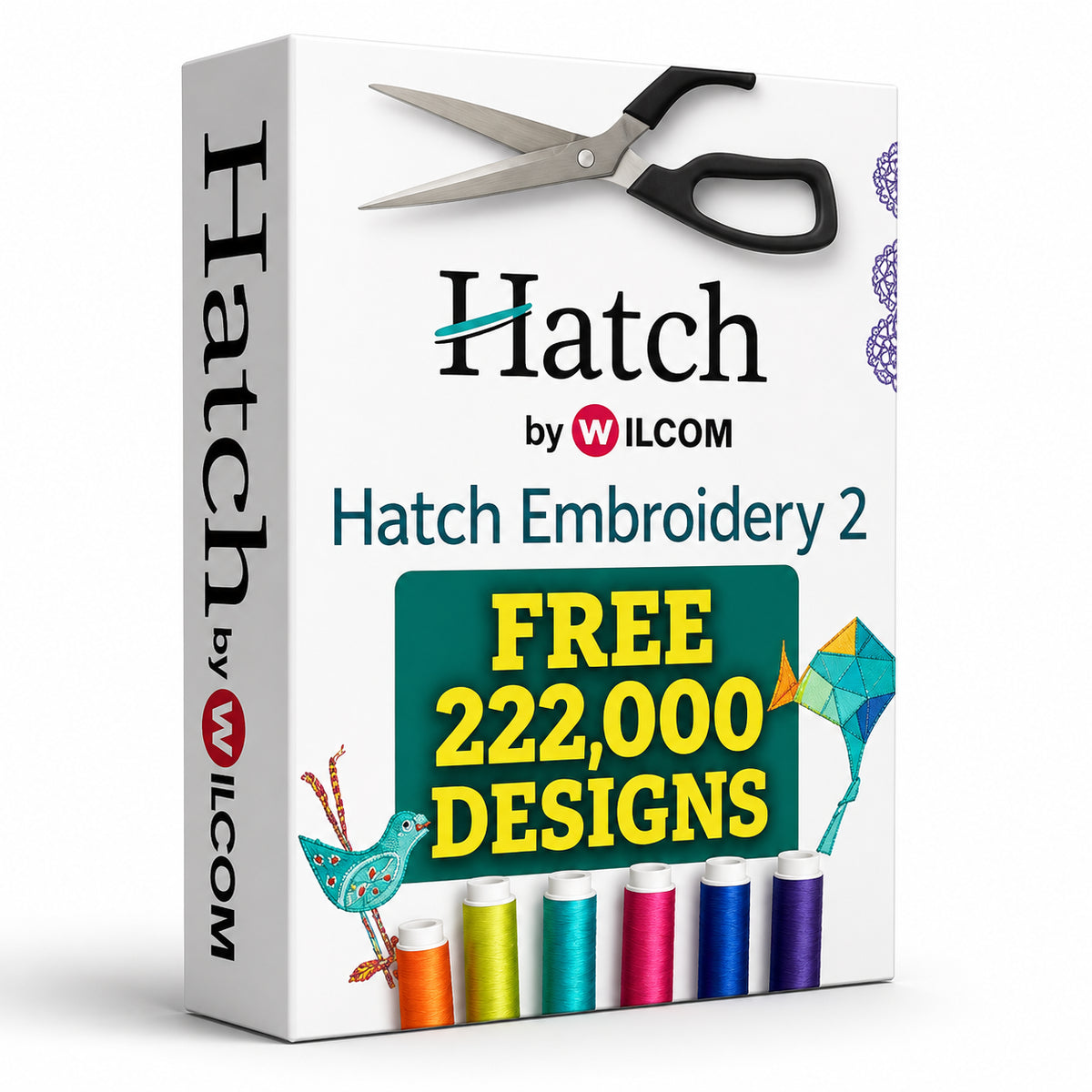
Hatch Embroidery 2 by Wilcom for Windows – Embroidery Digitizing & Design Software
Regular price €24,99 EURRegular price -
Foxit PDF Editor Pro 2025 PDF Software | Lifetime Access - Instant Download
Regular price €19,99 EURRegular price -

FL Studio Producer Edition 2026 for Windows – Professional Music Production & Audio Editing Software
Regular price €24,99 EURRegular price -
CorelDRAW Graphics Suite 2025 for Windows – Professional Graphic Design & Vector Illustration Software
Regular price €24,99 EURRegular price -
Brother PE-DESIGN 11 for Windows – Embroidery Digitizing & Sewing Design Software
Regular price €19,99 EURRegular price -
Apple Logic Pro 12.3 Lifetime License Instant Download - Professional Music Production for Mac
Regular price €19,99 EURRegular price -
ACRORIP V10.5 RIP Software for DTG, DTF & UV Printing – Windows Digital Download
Regular price €24,99 EURRegular price -
3-in-1 Embroidery Software Bundle – Hatch Embroidery 2 + Wilcom Embroidery Studio e4.2 + PE-DESIGN 11 for Windows
Regular price €49,99 EURRegular price


Customer Reviews Preview
Illustrative examples of customer experiences.
Great for making music
Easy to navigate and great for making beats. The installation process was straightforward.
Great embroidery tools
Exactly the embroidery tools I was looking for. Great for my design projects.
Very useful software
Really useful for creating and editing embroidery patterns.
Convenient PDF tools
Very convenient for editing and converting PDF documents.
Good production software
A great choice for music production. The interface takes some practice but works well.
Useful design features
Plenty of useful features for detailed embroidery work.
Embroidery projects
A practical addition to my embroidery workflow.
Simple and practical
Simple interface and useful PDF editing features.
Good recording tools
Good selection of tools for recording and mixing music.
Professional design tools
Useful software for creating professional embroidery designs.